Wallpaper Engine guides: wallpapers, performance & fixes
Wallpaper Engine performance, monitor layouts and startup troubleshooting, organised around observable symptoms.
Looking for the app? Use the official website or Steam store below. This guide covers the Windows desktop application.
Official site · opens in a new tab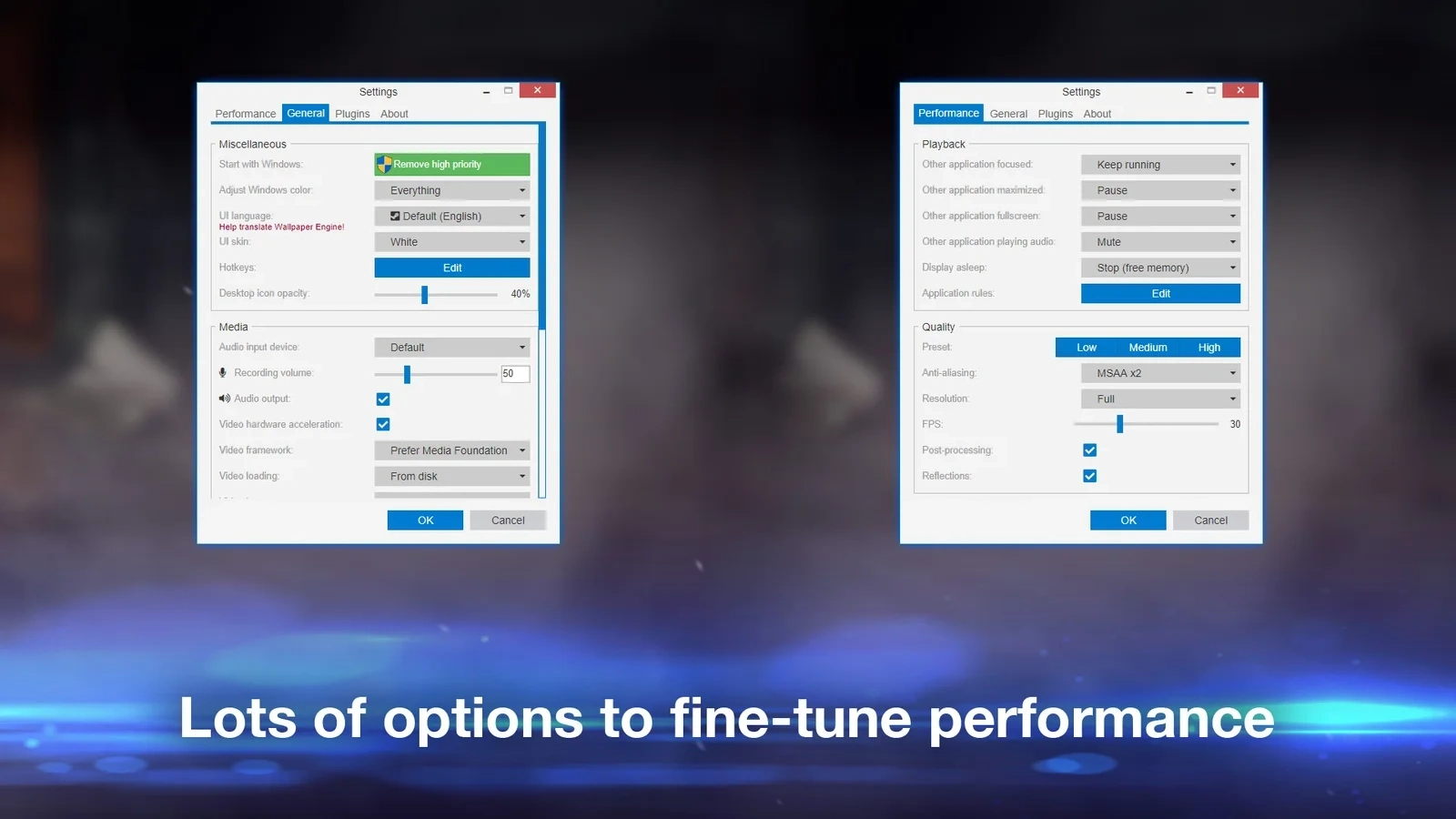
Find the answer for your desktop
Choose the symptom first. Each guide explains the comparison to make, the setting to inspect and what to do with the result.
 01 / Guides
Measure performance before lowering everything
Compare a static desktop, a simple wallpaper and the affected wallpaper under the same conditions.
Read the guide ↗ 02 / Guides
Make a wallpaper fit multiple monitors
Read the real display arrangement before choosing fill, crop or span behaviour.
Read the guide ↗ 03 / Guides
Black wallpaper or missing startup: find the branch
Separate launch state, wallpaper type and media playback before repairing.
Read the guide ↗Go deeper into Wallpaper Engine
Detailed procedures for black video, game rules and a repeatable performance comparison.
Black wallpaper: find the failing layer
Separate one broken project, video playback and a missing desktop before changing drivers.
Read the detailed guide →02 / Wallpaper EngineMeasure a wallpaper change with A–B–A
Repeat the same workload, then restore the original setting to check for drift.
Read the detailed guide →03 / Wallpaper EngineGame slowdown: verify pause, stop and application rules
Match the real game process and verify both the trigger and the return after exit.
Read the detailed guide →A closer look
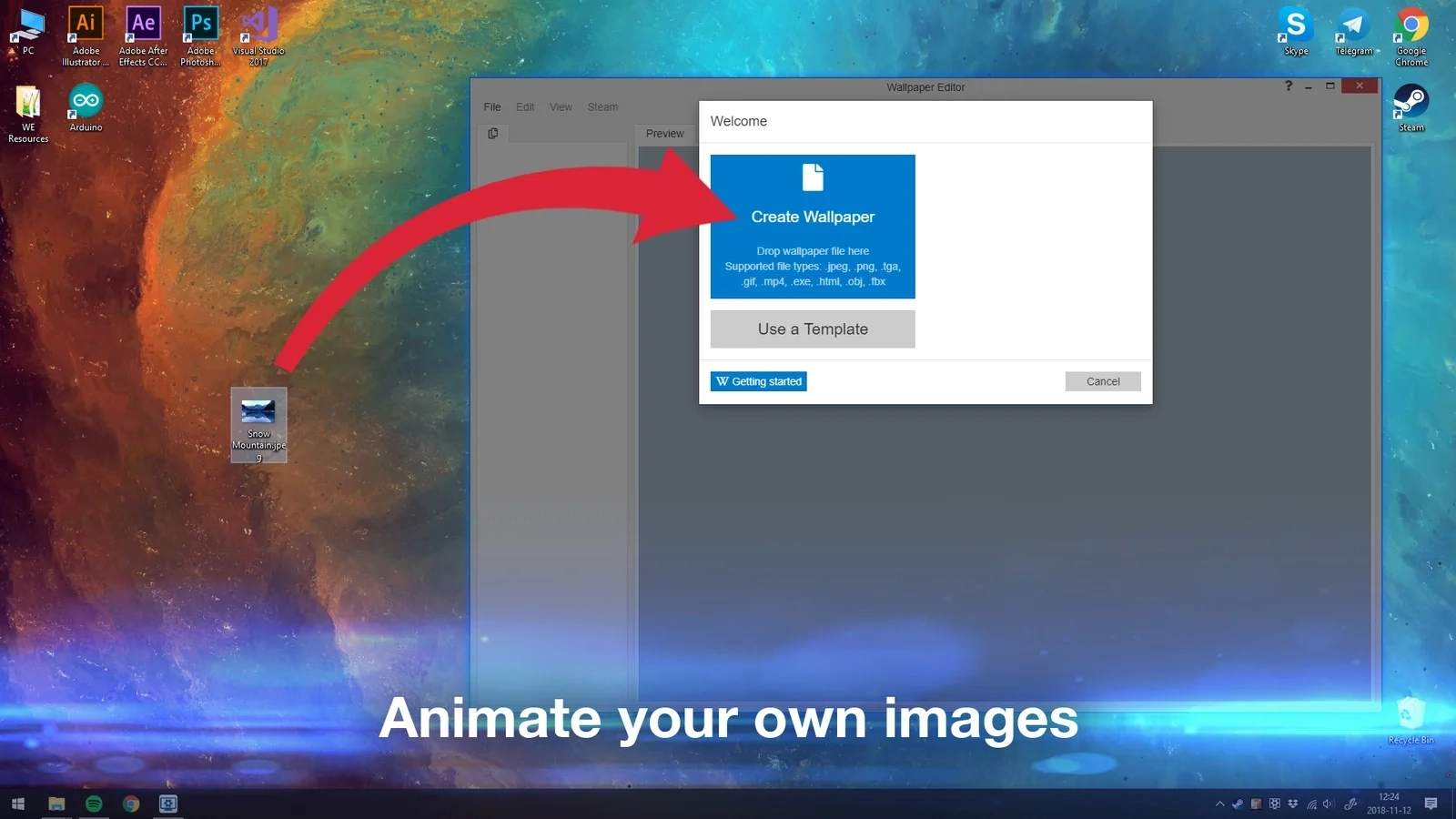
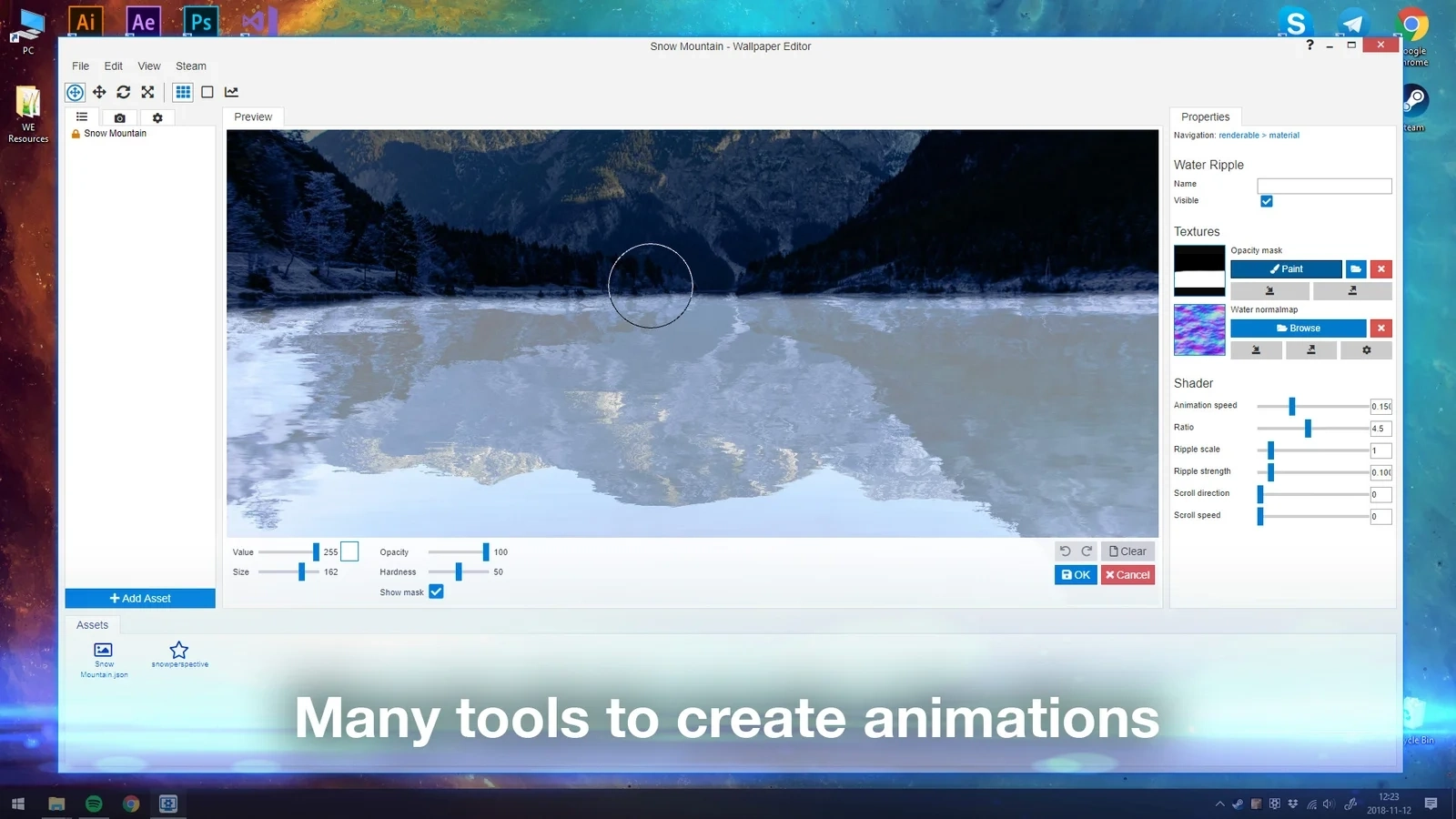
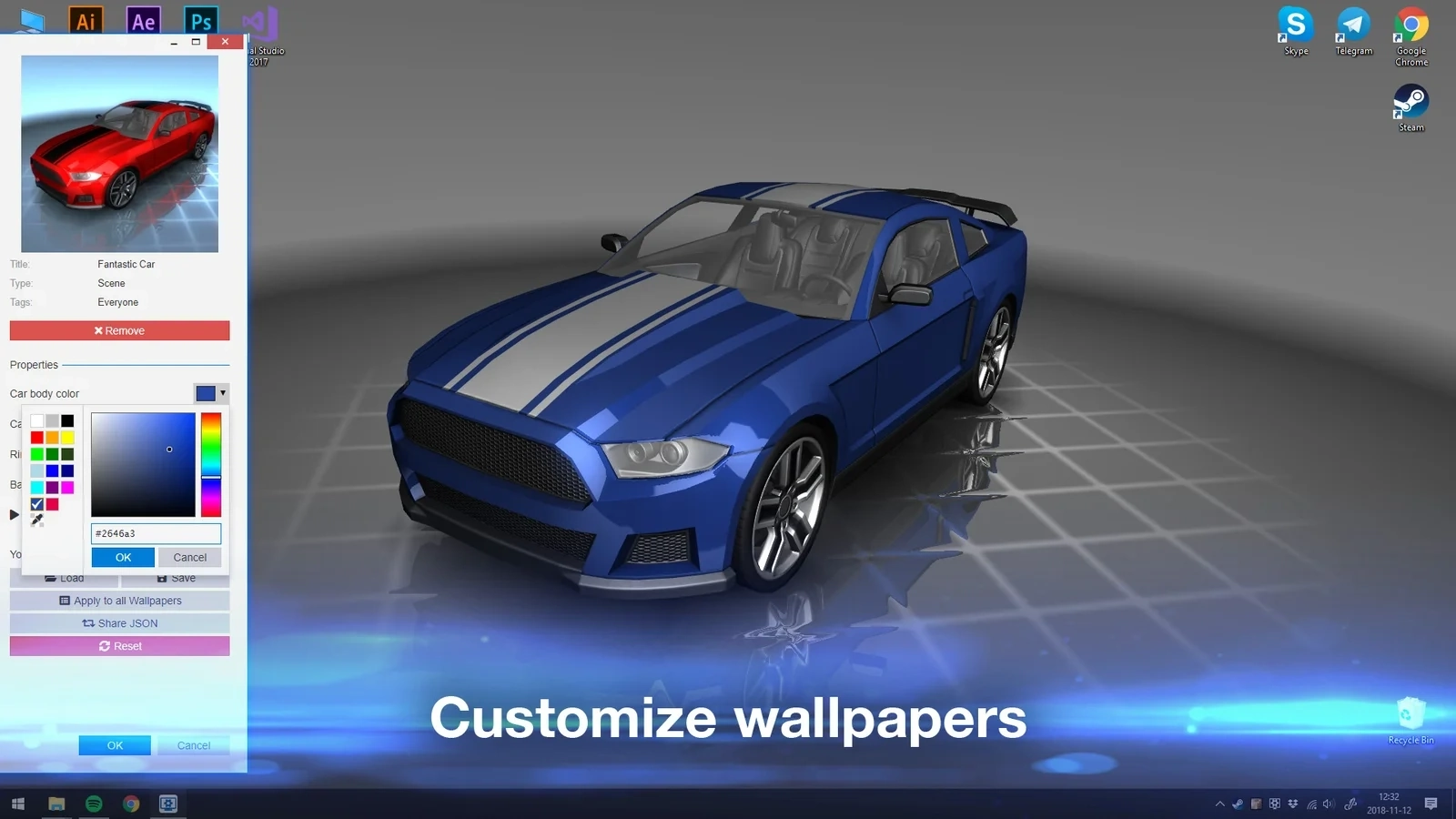
Screenshots are promotional material from the linked Steam product page. They may show a different build or platform.
Choose settings that match the wallpaper type
Check the type in the item details before changing settings. A Scene and a Video do not respond to the same controls.
| Wallpaper type | What to check first | Useful next step |
|---|---|---|
| Scene | Frame rate, exposed effects and project properties. | Compare a simple scene with the affected project. |
| Video | Source resolution, source frame rate and video playback. | Compare two videos and a working scene before changing codecs. |
| Web / Application | The project’s own settings, dependencies and author notes. | Check whether another item of the same type works. |
Wallpaper Engine questions, answered
Where do I download Wallpaper Engine?
Use the official website for product information and the linked Steam store for the Windows product. This site does not provide installers or account downloads.
Will Wallpaper Engine slow down my games?
That depends on the wallpaper, hardware and playback rules. Compare the same game workload with the wallpaper running and stopped, then check that your rule matches the actual game executable.
Why is the wallpaper black while the settings window works?
Compare the failing item with another of the same type and a different type. Multiple videos failing while a scene works points toward a video-playback branch; all types failing needs a wider desktop check.
Does the app need to start before other programs?
High-priority startup registers a Windows service; the official help says it does not otherwise improve application performance. If it fails, compare normal startup and check the tray icon after signing in.
Why does the wallpaper move to the wrong screen after a restart?
The official startup guide describes monitor identifiers changing with the graphics driver. Record your layout, then check Monitor identification in General settings and compare Layout or GDI as the documented alternatives.
Sources and scope
Settings checked against official Wallpaper Engine documentation on 17 November 2026. Instructions concern the Windows desktop app; menu labels can vary by language and release. Comparisons are editorial procedures, not hardware benchmarks.
Official documentation and scope